
SMARTLAB - LabTech APP1.1.3 - App Store
You'll be able to see results in few seconds.
Publisher Description
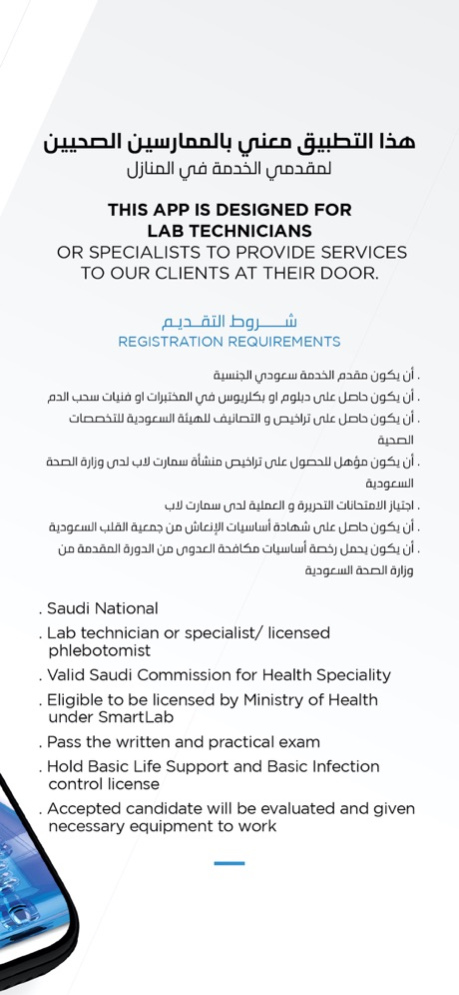

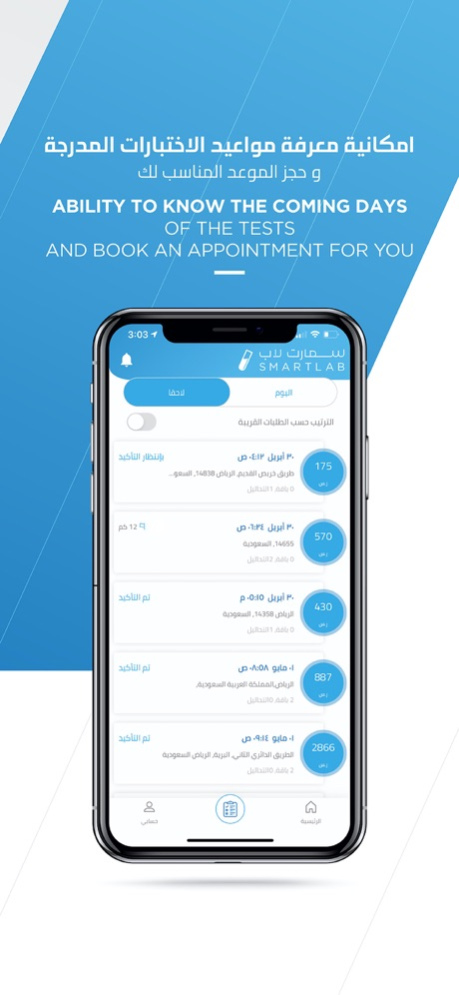
This app is designed for lab technician or specialist to provide services to our client at their door.
Registration requirements:
- Saudi National
- Lab technician or specialist/ licensed phlebotomist
- Valid Saudi Commission for Health Speciality
- Eligible to be licensed by Ministry of Health under SmartLab
- Pass the written and practical exam
- Hold Basic Life Support and Basic Infection control license
Accepted candidate will be evaluated and given necessary equipment to work
هذا التطبيق معني بالممارسين الصحيين لمقدمي الخدمة في المنازل
متطلبات التقديم:
- أن يكون مقدم الخدمة سعودي الجنسية
- أن يكون حاصل على دبلوم او بكالريوس في المختبرات أو فنيات سحب الدم
- أن يكون حاصل على تراخيص و التصانيف للهيئة السعودية للتخصصات الصحية
- أن يكون مؤهل للحصول على تراخيص منشأة سمارت لاب لدى وزارة الصحة السعودية
- اجتياز الامتحانات التحريرة والعملية لدى سمارت لاب
- أن يكون حاصل على شهادة اساسيات الإنعاش من جمعية القلب السعودة
- أن يكون يحمل رخصة اساسيات مكافحة العدوى من الدورة المقدمة من وزارة الصحة السعودية
Mar 8, 2021
Version 1.1.3
- Design enhancements
- Bugs fix
- Performance enhancements
About SMARTLAB - LabTech APP
The company that develops SMARTLAB - LabTech APP is SmartMed LLC. The latest version released by its developer is 1.1.3.
To install SMARTLAB - LabTech APP on your iOS device, just click the green Continue To App button above to start the installation process. The app is listed on our website since 2021-03-08 and was downloaded 0 times. We have already checked if the download link is safe, however for your own protection we recommend that you scan the downloaded app with your antivirus. Your antivirus may detect the SMARTLAB - LabTech APP as malware if the download link is broken.
How to install SMARTLAB - LabTech APP on your iOS device:
- Click on the Continue To App button on our website. This will redirect you to the App Store.
- Once the SMARTLAB - LabTech APP is shown in the iTunes listing of your iOS device, you can start its download and installation. Tap on the GET button to the right of the app to start downloading it.
- If you are not logged-in the iOS appstore app, you'll be prompted for your your Apple ID and/or password.
- After SMARTLAB - LabTech APP is downloaded, you'll see an INSTALL button to the right. Tap on it to start the actual installation of the iOS app.
- Once installation is finished you can tap on the OPEN button to start it. Its icon will also be added to your device home screen.
Program Details
System requirements
Download information
Pricing
Version History
version 1.1.3
posted on 2021-03-08
Mar 8, 2021
Version 1.1.3
- Design enhancements
- Bugs fix
- Performance enhancements
Disclaimer
Official App Store Link
We do not host SMARTLAB - LabTech APP on our servers. We did not scan it for viruses, adware, spyware or other type of malware. This app is hosted by Apple and passed their terms and conditions to be listed there. We recommend caution when installing it.
The App Store link for SMARTLAB - LabTech APP is provided to you by apps112.com without any warranties, representations or guarantees of any kind, so access it at your own risk.
If you have questions regarding this particular app contact the publisher directly. For questions about the functionalities of apps112.com contact us.
